
Kali-linux下使用HostAPd创建wifi热点(AP)
安装hostapd:
apt-get install hostapd
2.配置hostapd.conf
这个文件里有大量配置信息,幸好我们一般能用到的就那几个(其中多数去掉注释,配置保持默认):
interface=wlan0               #分享wifi的无线网卡
bridge=br0
driver=nl80211              #网卡驱动
ssid=xiao106347              #热点ssid
hw_mode=g
channel=1
dtim_period=1
rts_threshold=2347
fragm_threshold=2346
auth_algs=3
wpa=1           #加密类型wpa2
wpa_passphrase=12345678                #热点密钥
wpa_key_mgmt=WPA-PSK
wpa_pairwise=TKIP CCMP
rsn_pairwise=CCMP
3.安装bridge-utils搭建网桥
apt-get install bridge-utils
brctl adbr br0
ifconfig br0 192.168.2.236 netmask 255.255.255.0
route add default gw 192.168.2.254
brctl addif br0 eth0
brctl addif br0 wlan0
4.开启热点
hostapd /file/hostapd.conf
也可以将3和4的命令保存为一个简单脚本:
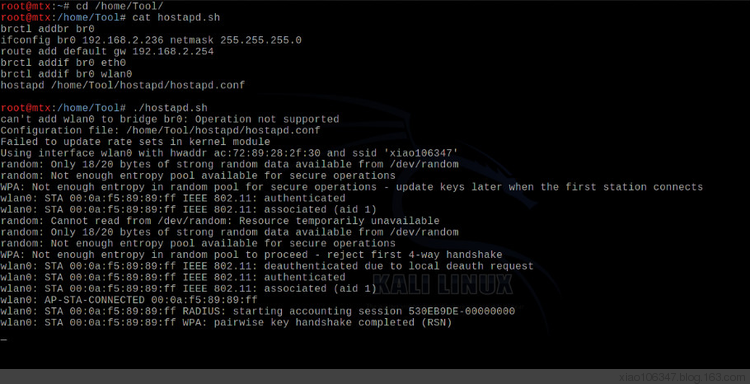
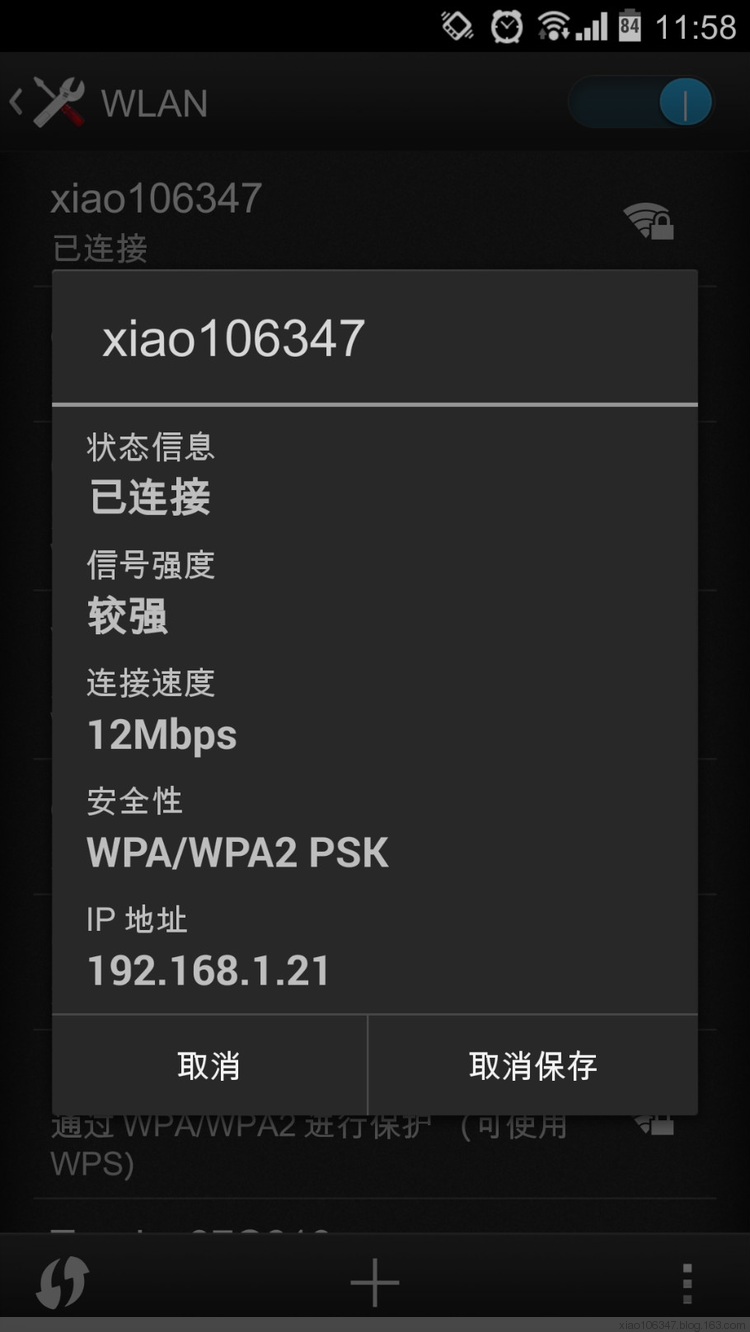
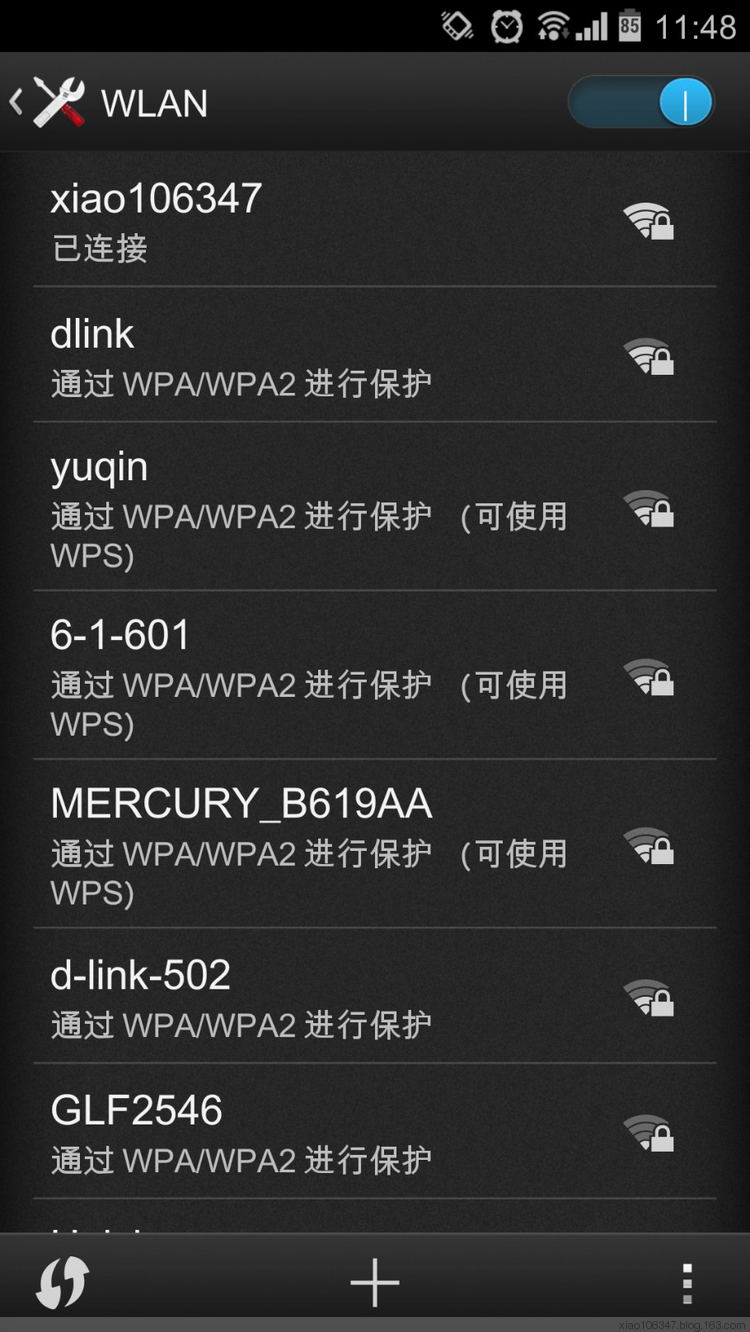
效果图:

brctl addif br0 wlan0时出现错误:
can't add wlan0 to bridge br0: Operation not supported
运行
iw dev wlan0 set 4addr on
上一篇:Nginx反向代理Google
下一篇:对数据库进行中间人攻击